
Guide
How to run the kickoff call with a new client.
The deposit is in and the date is set. The first call decides how the next weeks feel. Here is how to prepare it, run it, and close it with a recap.
5 min read
A kickoff call is not a second sales call. The client has already said yes. What they want now is to feel that the person they hired knows where to start, and what they want from you is a clear picture of what happens next.
Most engagements that go wrong do not go wrong in week six. They go wrong on the first call, when nobody wrote down who decides, what done looks like, or how fast either side answers between calls.
Before the call
- Book it the day the deposit lands, while the energy is there. Within a week is ideal.
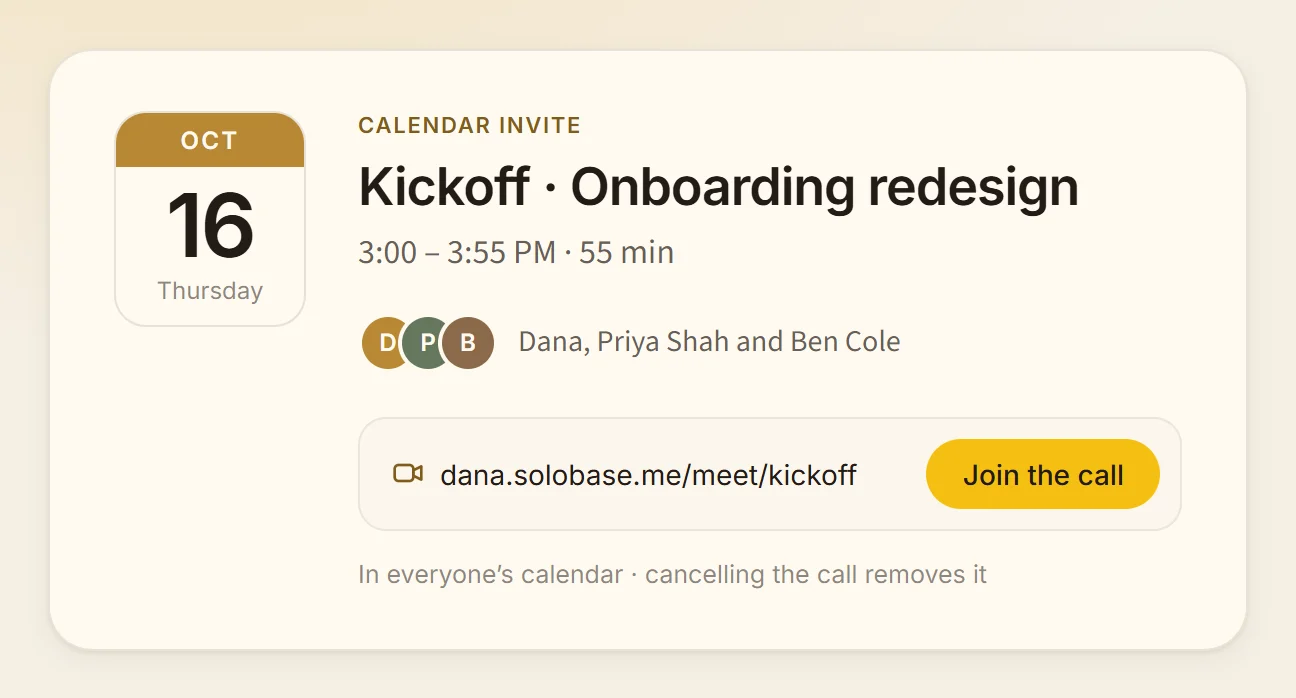
- Send one calendar invite with the link inside it, for 45 to 60 minutes. Invite everyone who will decide, not only the person who signed.
- Send a short agenda the day before, with two or three questions they can think about. People answer better when the question is not a surprise.
- Read the brief and the proposal again, and note anything that has changed since you wrote them.
- List what you need from them to start: access, files, introductions, a date for the first review.
An agenda that fits on one screen
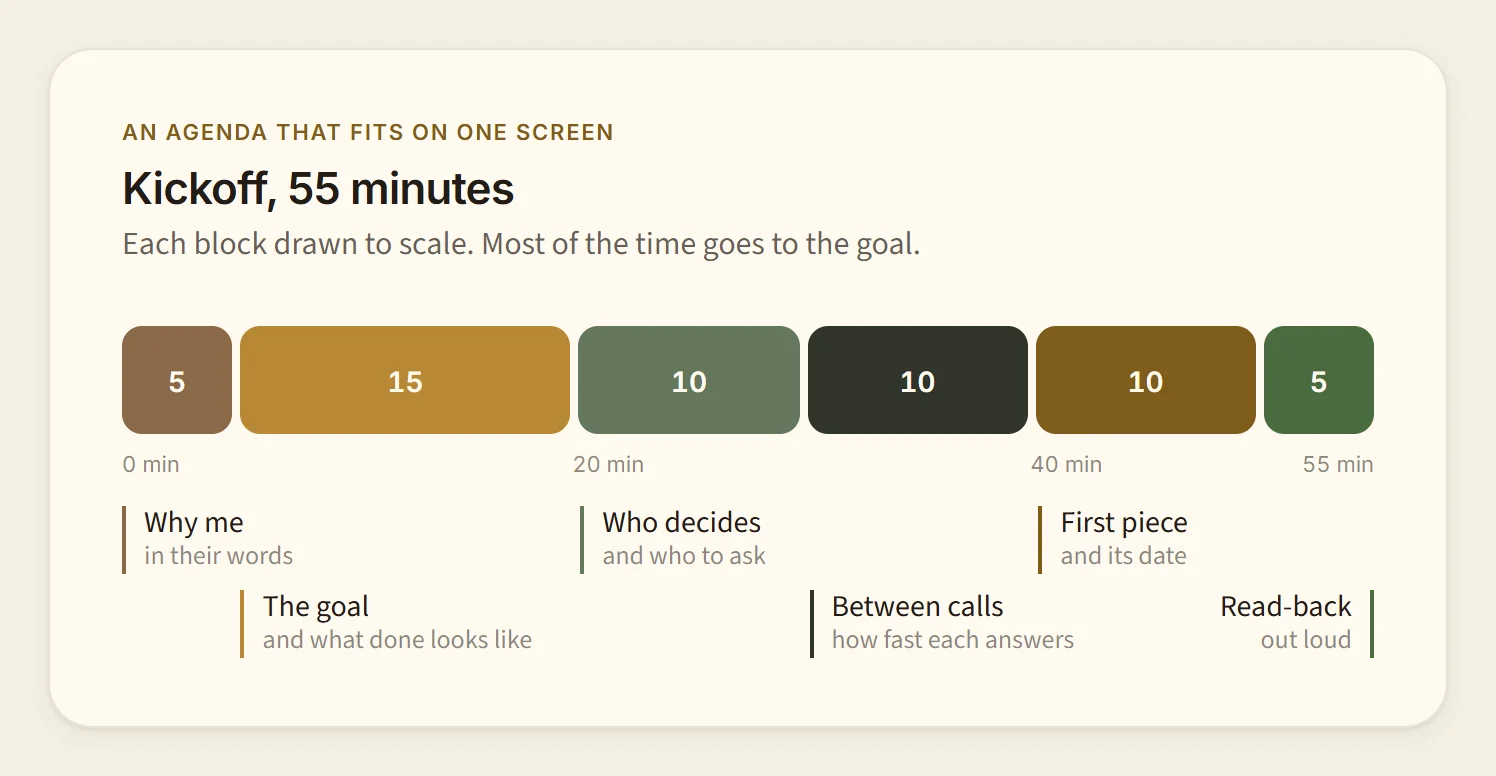
- Five minutes: why they hired you, in their words. Ask, then listen.
- Fifteen minutes: the goal and what done looks like, as specifically as they can say it.
- Ten minutes: who decides, who else needs to see the work, and who to ask when you are stuck.
- Ten minutes: how you will work between calls, and how quickly each of you answers.
- Ten minutes: the first piece of work, its date, and what you need from them before it.
- Five minutes: read back what you agreed, out loud.
Five things to leave the call with
If you leave with these written down, the call did its job, however it went:
- The goal, in the client’s own words, not yours.
- What done looks like: a result someone could check.
- Who decides, by name.
- How you talk between calls, and how fast you answer. For example, “within one working day, in our shared space”.
- The first deliverable, with its date.
While you run it
- Let them talk first. The first ten minutes tell you more than the brief did.
- Write down their words, not your summary of them. You will quote them back in the recap.
- Say what you will not do, kindly and early. A boundary set on day one costs nothing; the same boundary in week five feels like a refusal.
- Share your screen only to show something you made for them, never to read slides.
- Keep the last five minutes for the read-back, even if the call ran long.
The recap, the same day
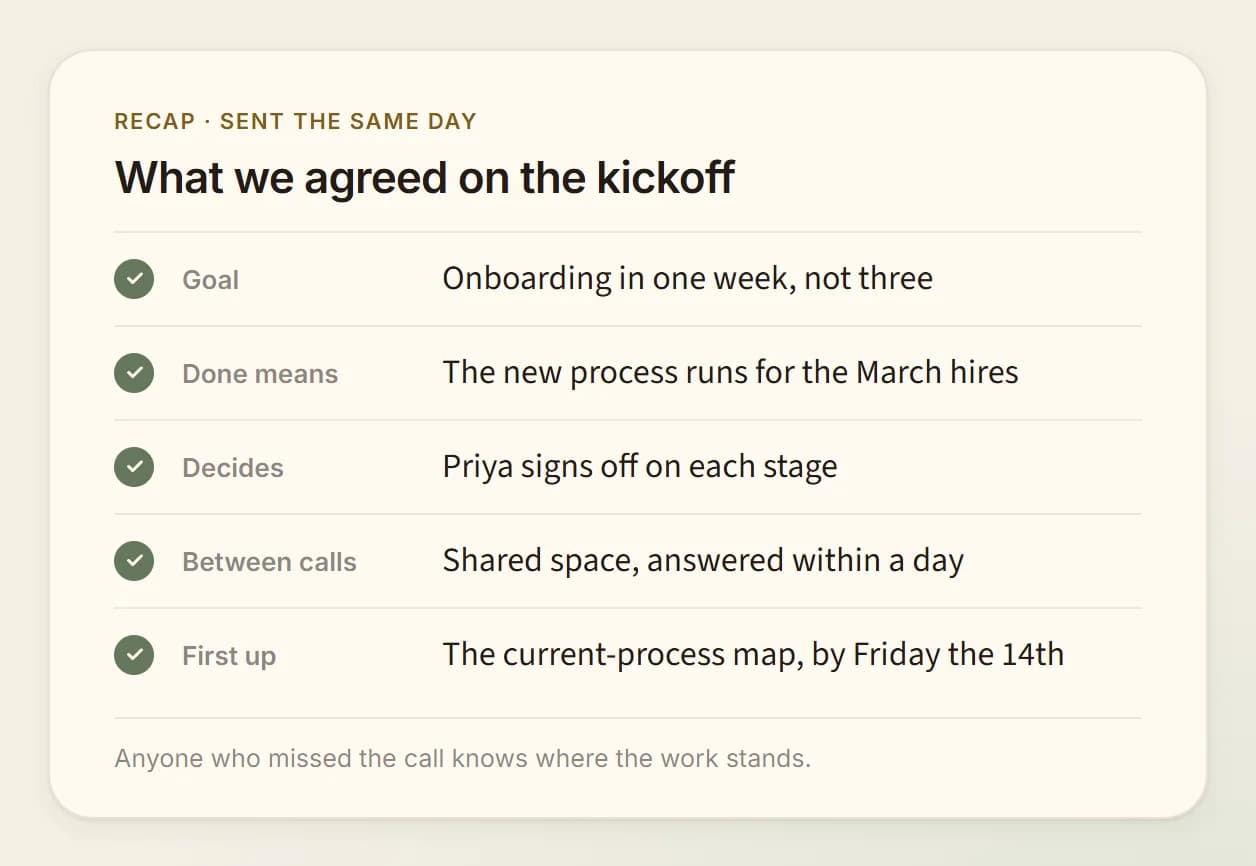
Send it within a few hours, while both of you remember the call. Keep it short enough to read on a phone. For example:
“Thanks for today. What we agreed: the goal is to cut onboarding from three weeks to one. Done means the new process runs for the March hires. Priya signs off on each stage. Between calls we write in our shared space, and I answer within one working day. First up: the current-process map, by Friday the 14th. From you: access to the onboarding docs by Wednesday.”
The names and dates are illustrative. What matters is that anyone who missed the call could read it and know exactly where the work stands.
When the call does not go to plan
- A new person joins with new goals: write theirs down too, then agree in the recap which goal leads.
- The scope grows on the call: say “let’s note that and price it separately”, and put it in the recap as an open question.
- The client cannot make it: move it once, quickly, with a new invite. If it moves twice, ask what has changed.
Where a Studio fits, honestly
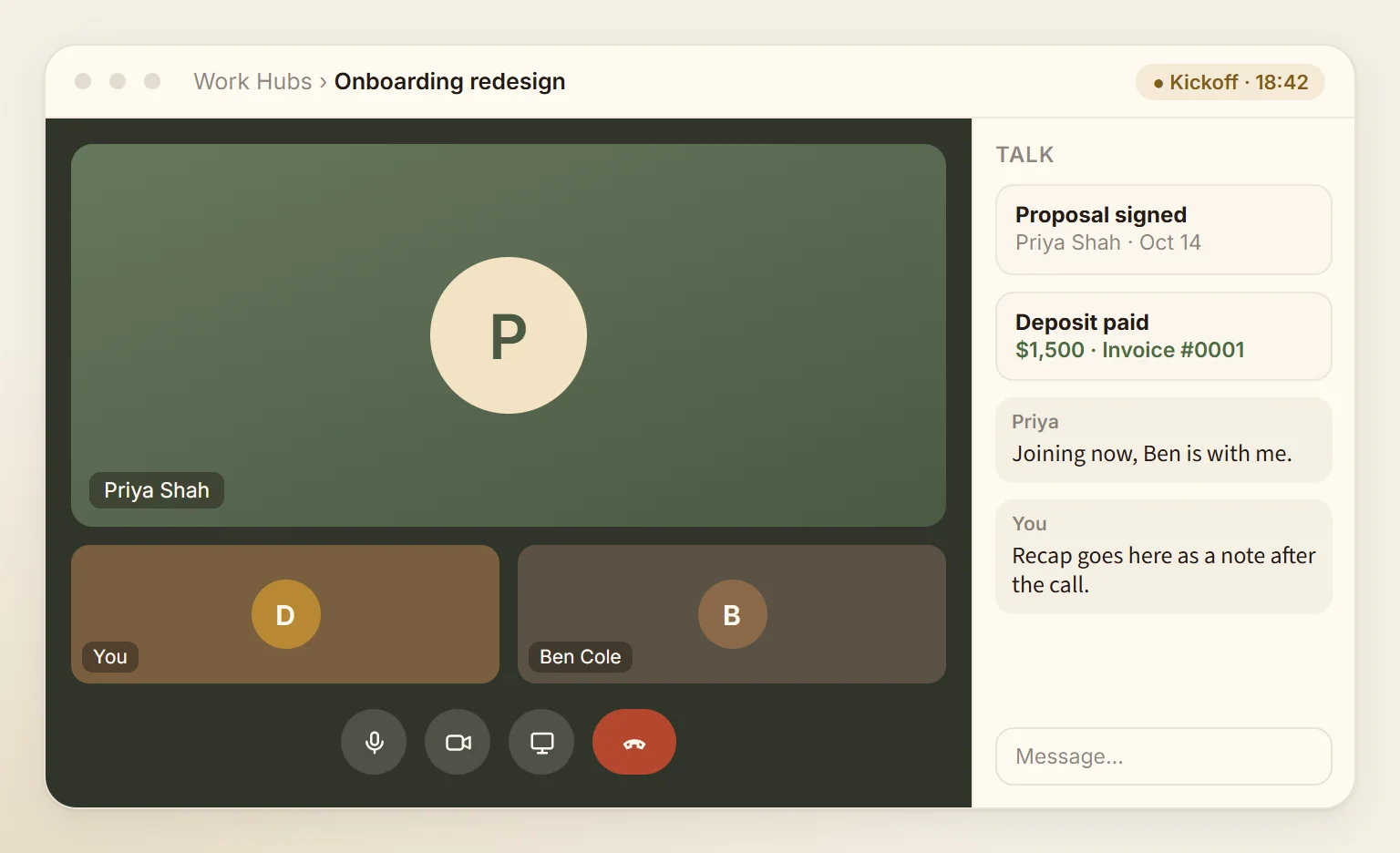
In a SoloBase Studio, the call happens inside the client’s Client Hub, next to the brief and the signed proposal. When you schedule it there, the people in that Client Hub get a calendar invite with the call’s own link on your site, and cancelling it sends the cancellation.
Calls in SoloBase hold up to 25 people, with screen sharing, counted in participant-hours (10 once on Free, 72 a month on Pro, 197 on the Studio plan). The recap goes in the same Client Hub as a note, where the client already reads the work. Until you are in, any video tool and a shared document do this job well, and everything above still applies.
Read next
4 min read
The one link to put in your LinkedIn bio and email signature
What the link should open onto, how to choose the address, and exactly where it goes on LinkedIn and in your signature.
4 min read
What a referred client sees when they Google you, and how to fix it
Someone was told your name and looked you up. Walk through that minute as they do, and fix what they find, in order.
Start the work where it will live.
Make your card in a minute. Each client gets a Client Hub, and the first call happens inside it.