
Client projects
Client projects, start to finish, under your name.
They ask from your Store Hub, sign your proposal, pay the deposit to your own Stripe, and work with you in a private Client Hub. One place, from the first ask to the final invoice.
For consultants, fractional executives, designers and developers
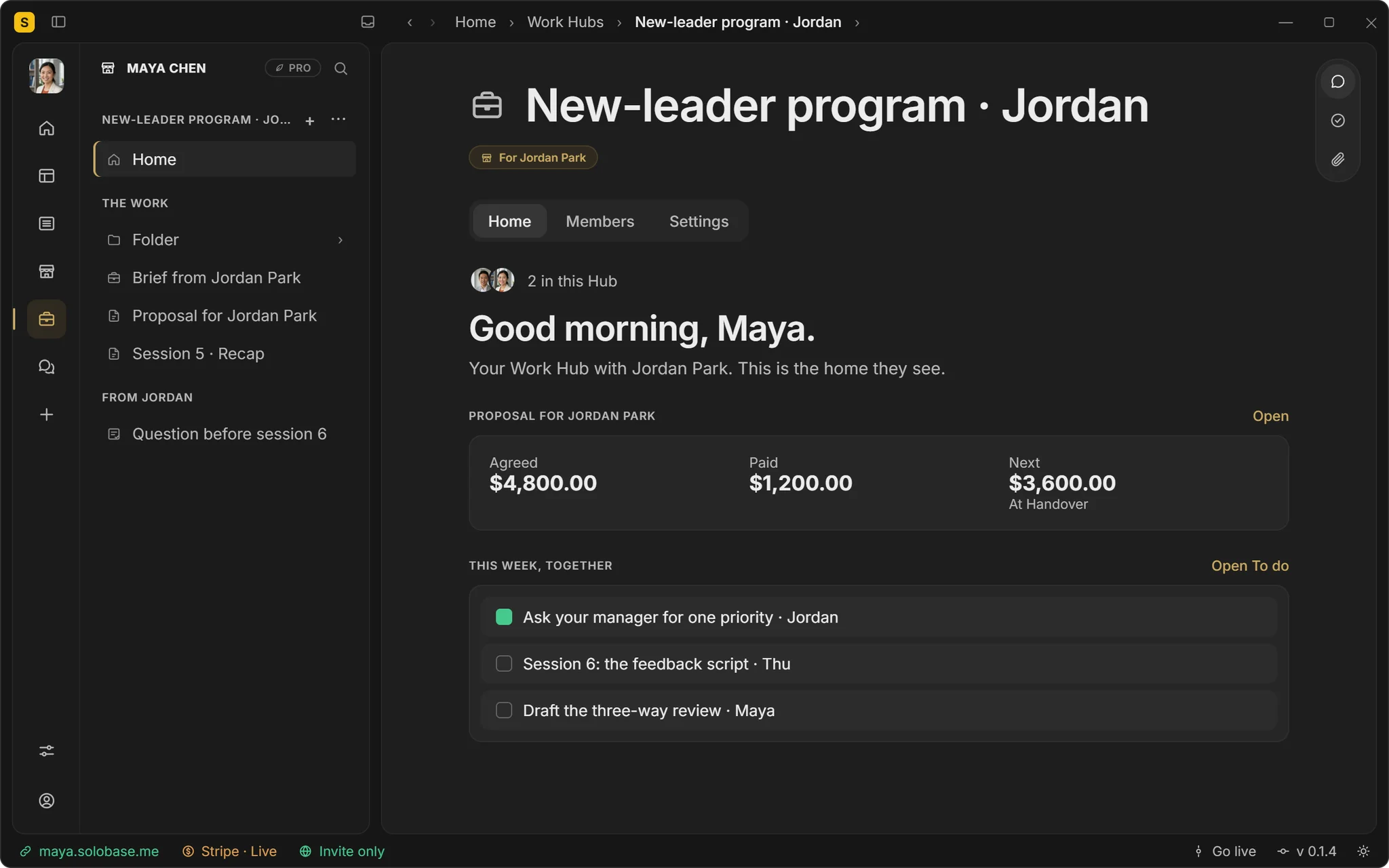
Step 1 · They ask
“Start a project”, with your questions answered up front.
Your Store Hub lists each service with its starting price. A new client picks one and answers the questions you set, so the first message already says what, when and how much.
Your services on your own domain
Your own questions for each service
“Taking projects · Replies within a day” on the page
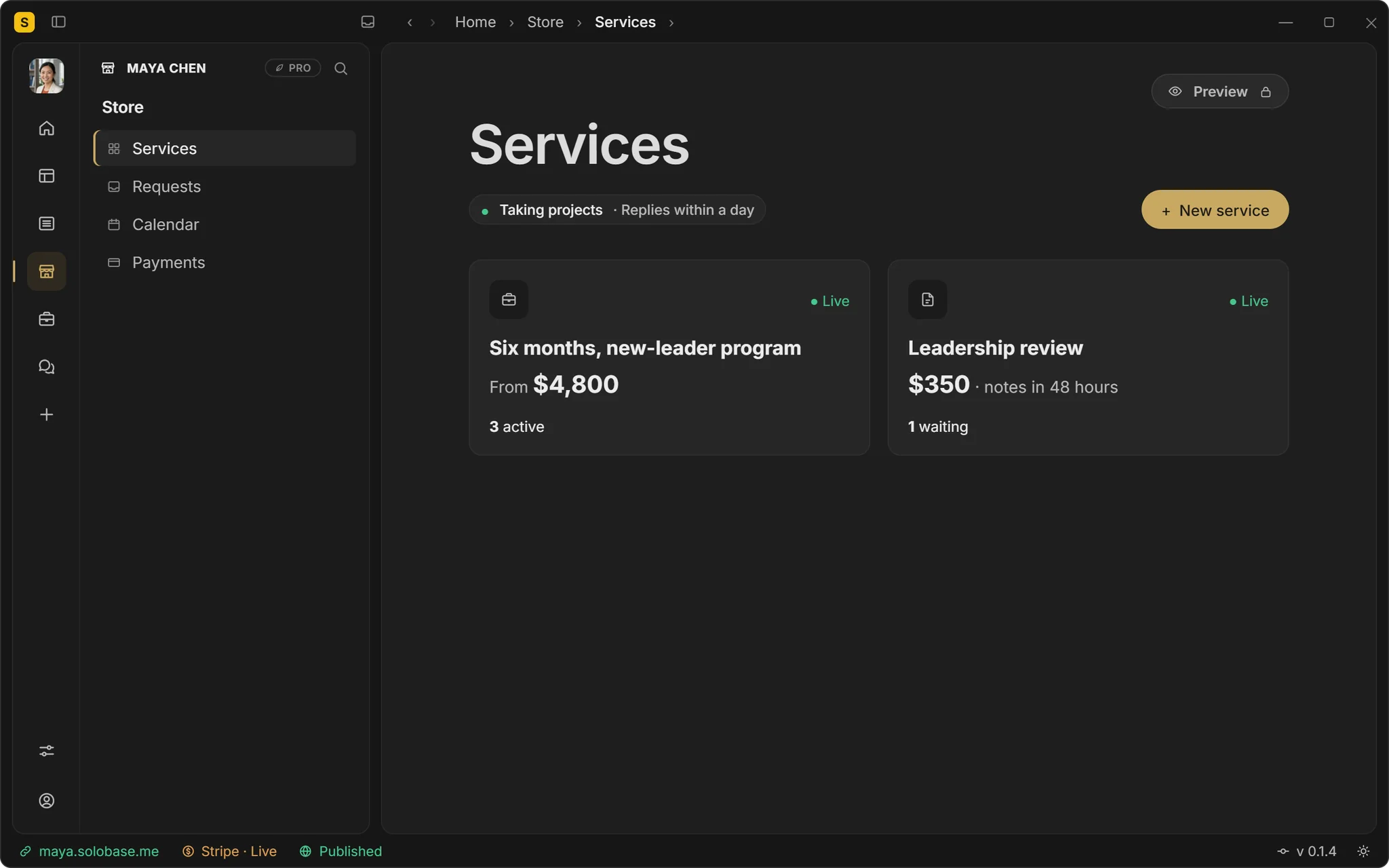
Step 2 · You accept
Say yes, and their Client Hub opens.
Accept turns the request into a private Client Hub for the two of you, with their words as the first note. No thread to dig out later.
Every request in one place
Accept, or reply with a price
Their brief becomes the first note
Step 3 · They sign and pay
A proposal they sign, a deposit to your Stripe.
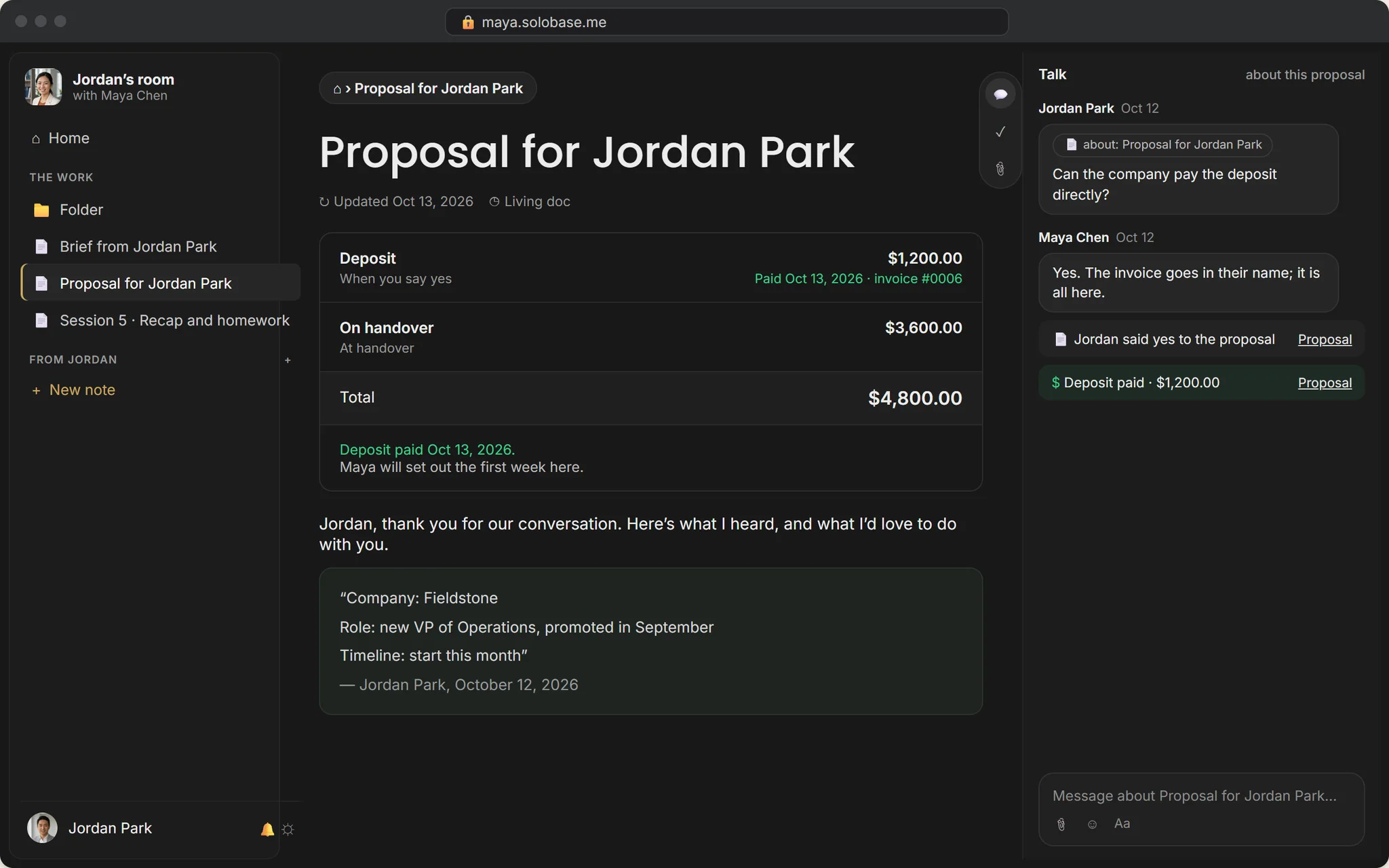
Write the scope and the price once. They sign by typing their name and pay the deposit; the numbered invoice and its PDF are there for both of you.
E-signature by typed name
The deposit straight to your own Stripe, 0% to us
Numbered invoices with a PDF; bill the next payment when it is due
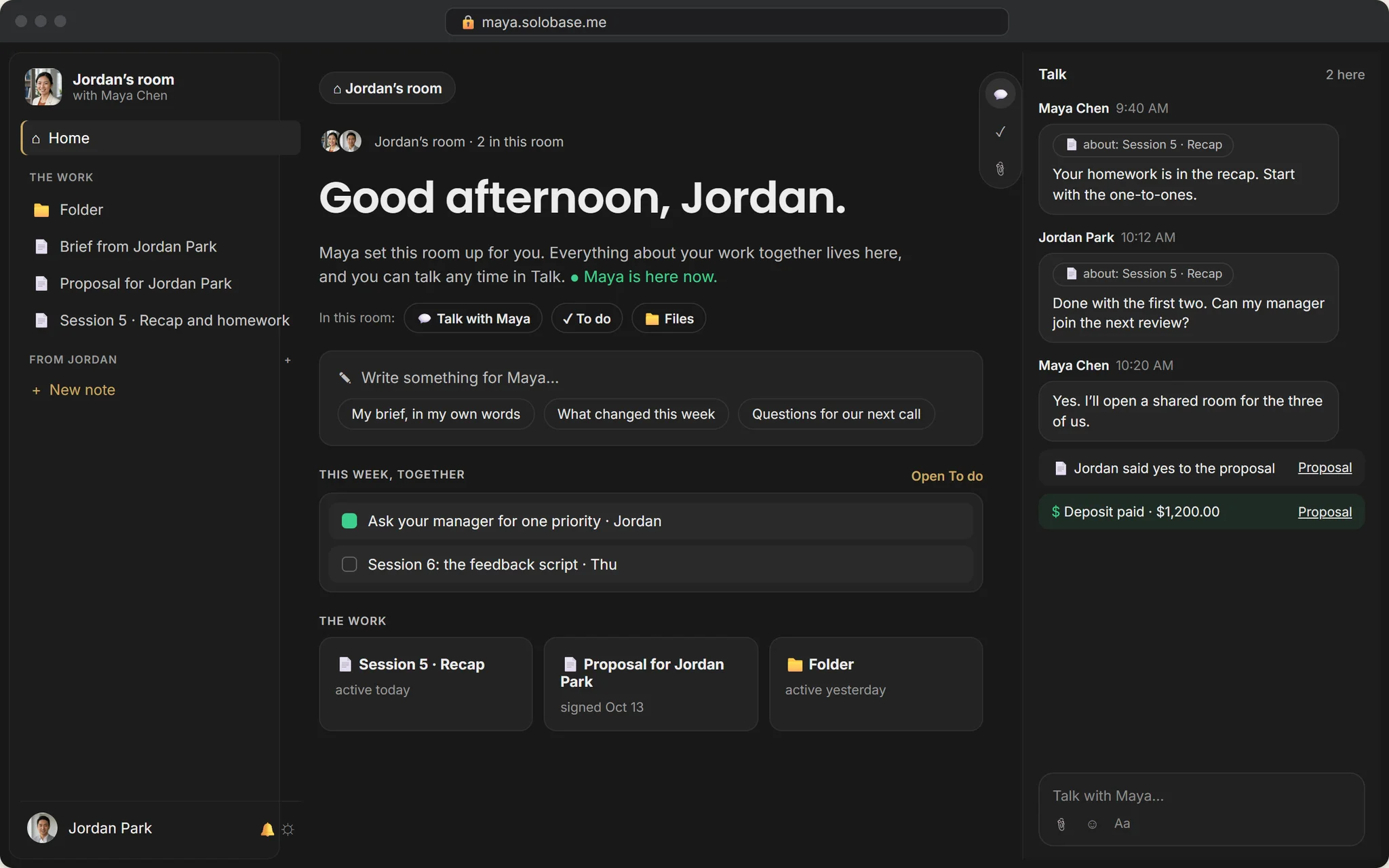
Step 4 · You do the work
Notes, Talk and this week, in one place.
Write the session notes with your client, talk beside the work, and keep what each of you does this week in view. Your team can work in it too, without seeing the money.
Pages like Notion, written together
Talk beside the work, comments on a single line
This week, together: tasks both of you see
Step 5 · You close, they refer
Close the project and ask for their words.
Closing keeps the Client Hub for your client to read back. They are asked for a few words, and the ones you approve go onto your site, where the next client finds them.
Read-only for the client once closed
A testimonial asked at the close
Only the words you approve are shown
Plainly
What runs today, and what comes next.
Store Hub
Services, prices and your own questions.
Accept
A request becomes a private Client Hub.
Proposals
Scope, price and a typed signature.
Deposits
To your own Stripe, 0% to us.
Invoices
Numbered, each with its PDF.
Client Hub
Notes, Talk, files and this week.
Your team
Inside the Hub, never the money.
Close
Read-only, with a testimonial asked.
Book a call
At your open times, free or paid, with reminders.
Monthly billing
Retainers and monthly plans that bill themselves.
Calls
Inside the Client Hub, up to 25 people, with screen sharing.
Jordan asked on Maya’s site.Six months later, the next VP did too.
Jordan, a new VP, picked Maya’s program; at the close Jordan’s words went on her site, and Fieldstone’s HR lead sent the next VP. Illustrative: Maya and Jordan are not customers.
Asked about client projects.
Does my client need an account?
They sign in with Google or an email code the first time they open their Client Hub. Nothing to install.
Do you take a cut of the deposit?
No. The money goes to your own Stripe account. Stripe’s standard fees apply; ours are zero, on every plan.
Can someone else from the client’s side join?
Yes. Invite them into the same Client Hub, for example the client’s manager for a three-way review.
Who on my team sees the money?
Only you. Your team works in the client’s Client Hub with the client, and never sees the payments.
What happens when the project ends?
You close it. The Client Hub stays readable for your client, and they are asked for a testimonial you can approve for your site.
Also on one Studio
Run more than one of these.
A studio with contractors
Your crew works with the client, never sees the money.
Content that brings clients
Readers become inquiries, on your own domain.
Support for your app
A Help button on your product, one inbox.
A paid community
Channels, answers kept, a price to join.
Paid office hours
Free advice, once a week, for a fee.
Your next client is about to ask.
Free until you’ve earned $1,000 through SoloBase. 0% of your payments, always.