
A studio with contractors
A small studio, with your crew beside you.
Invite your contractors into a client’s Client Hub to do the work with the client, talk one to one in direct messages, and keep the week in view. The proposal and the payments stay with you.
For agencies of one, design and development studios, consultants with associates
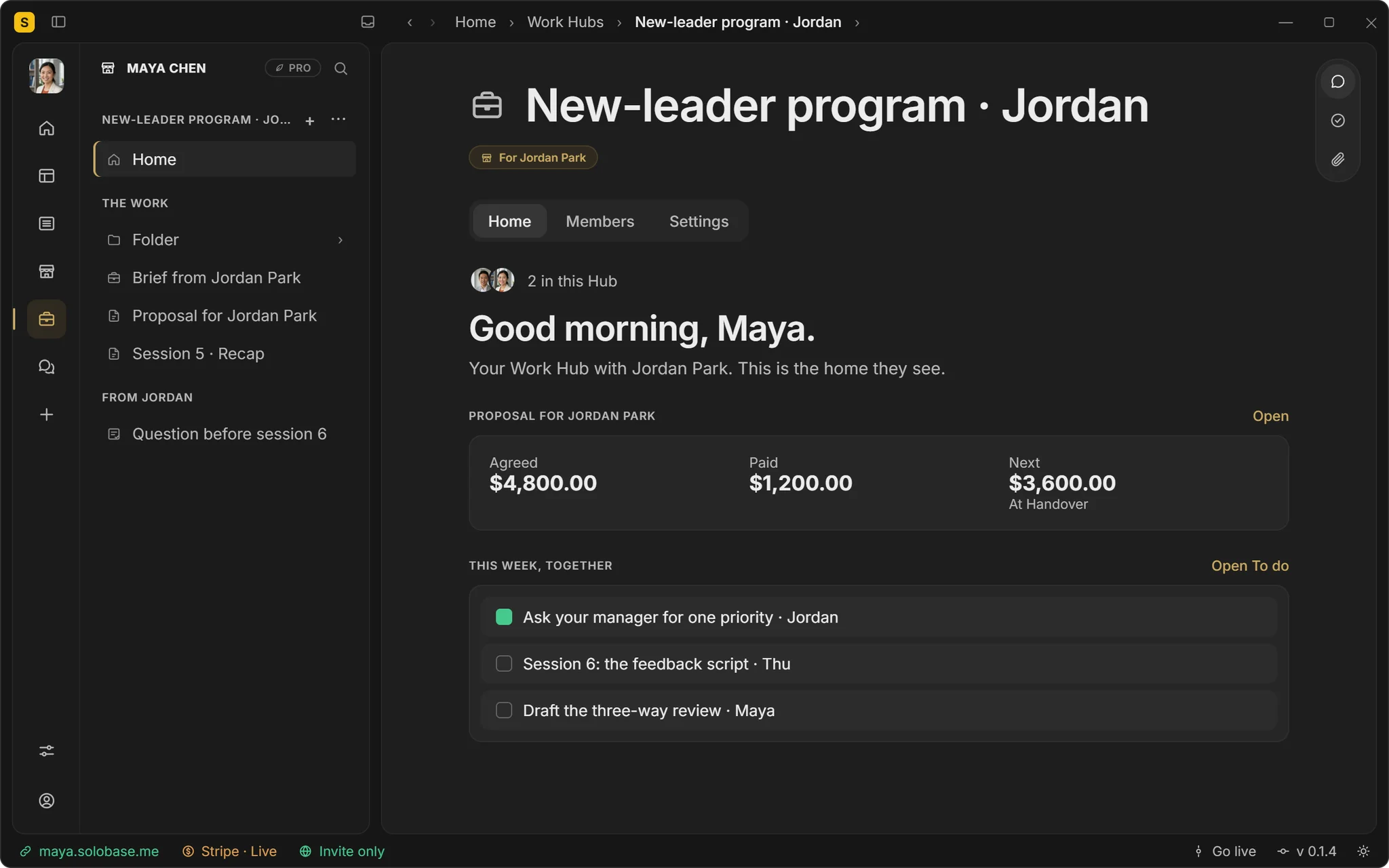
Step 1 · Invite your crew
Into the client’s Client Hub, as your team.
Your contractor joins the client’s Client Hub as part of your team: the pages, Talk and the tasks, with the client right there. The proposal and its payments stay with you.
Pages, Talk and tasks with the client
Never the proposal’s money
The client sees one studio: yours
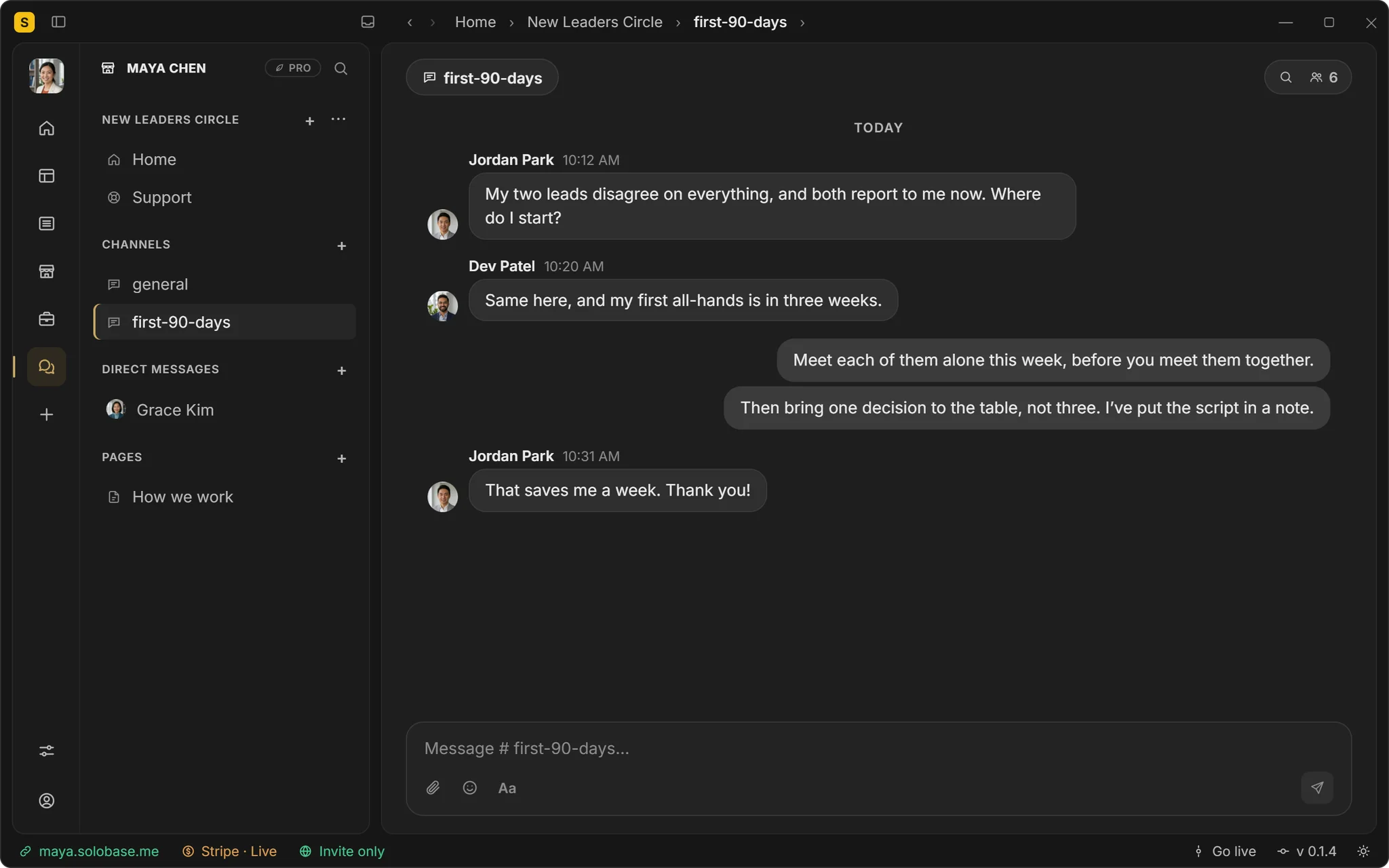
Step 2 · Talk one to one
Your crew’s questions, out of the client’s sight.
Direct messages are for your team, never for customers. Ask about the price, the deadline or the draft without it landing in front of the client, and use your Community Hub’s channels for the whole crew.
Direct messages between your team
Channels for the crew, with pins and decisions
Search what was agreed
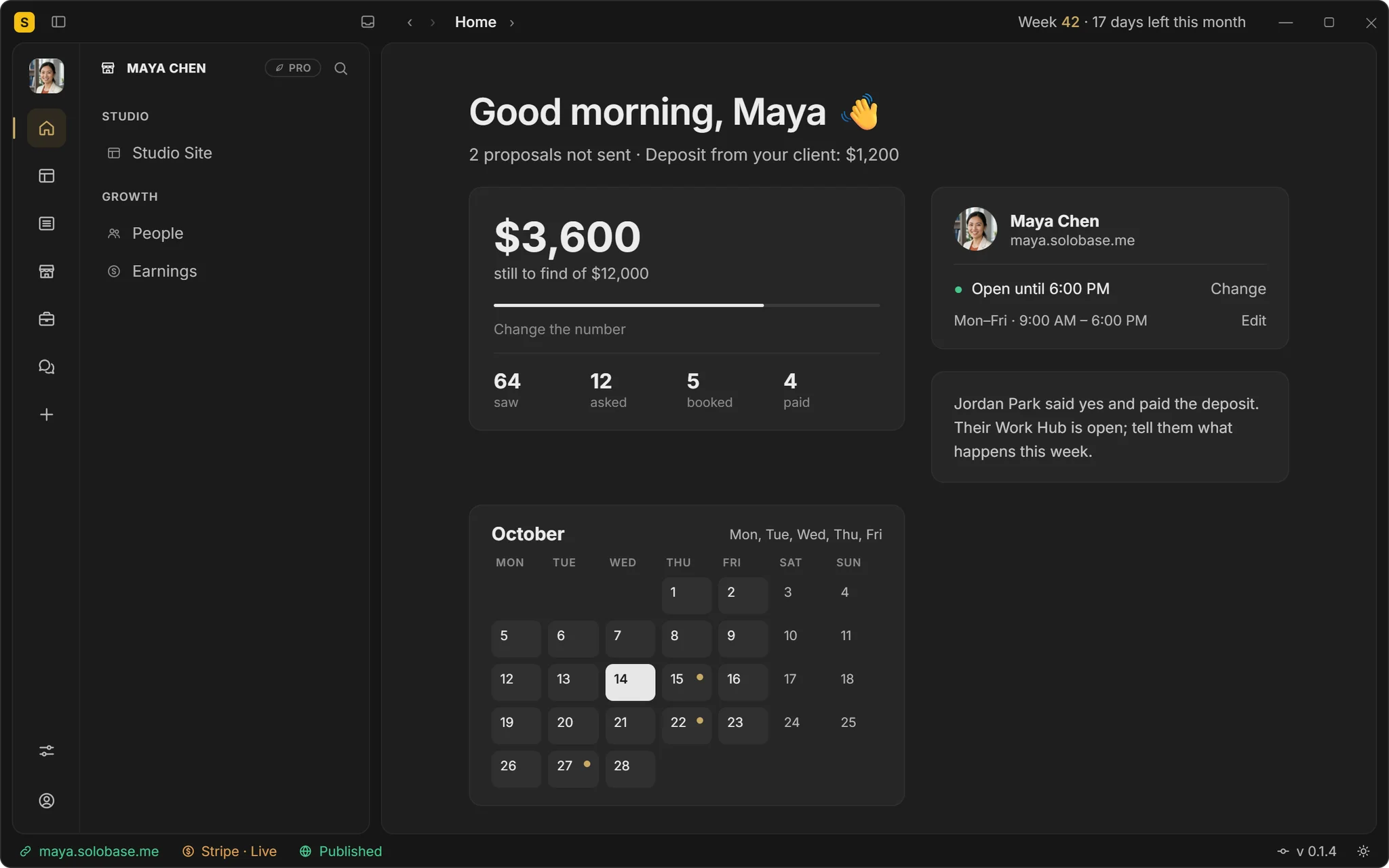
Step 3 · Keep the studio in view
The month on one screen, the week in each Hub.
The app’s Home shows what is still to find this month, who asked and who paid, and your calendar. Inside each Client Hub, This week shows who does what, for you, your crew and the client.
Who looked, asked, booked and paid
This week, together, in every Client Hub
On Windows, or in any browser; Mac is coming
Plainly
What runs today, and what comes next.
Your team inside
Contractors work in the client’s Client Hub.
The money stays yours
Your team never sees the payments.
Direct messages
Between your team, never with customers.
Channels
For the crew, with pins and decisions.
This week, together
Tasks the client sees too.
Search
Find what was agreed, fast.
Calls
Inside the Client Hub, up to 25 people, with screen sharing.
Booking
A call booked at your open times.
Sam writes beside Leo’s designs.The budget stays between the two of them.
Sam joins each client’s Client Hub as Leo’s team; questions about money go to Leo in a direct message. Illustrative: Leo and Sam are not customers.
Asked about working with contractors.
Can my contractors see what the client pays?
No. Your team works in the client’s Client Hub with the client, and never sees the proposal’s payments.
Can a contractor message my client privately?
Direct messages are between your team only. Your crew talks with the client in the Client Hub, where you see it too.
Whose client is it?
Yours. The Client Hub lives in your Studio, under your name and on your domain.
Also on one Studio
Run more than one of these.
Client projects
From the first ask to the final invoice.
Content that brings clients
Readers become inquiries, on your own domain.
Support for your app
A Help button on your product, one inbox.
A paid community
Channels, answers kept, a price to join.
Paid office hours
Free advice, once a week, for a fee.
Bring your crew. Keep the client relationship.
Free until you’ve earned $1,000 through SoloBase. 0% of your payments, always.