
The Community Hub
Your people, in one place. Under your name, not a platform’s.
Channels for your members, your crew and their questions, on your own domain. A good answer is kept for the next person, support lands in one inbox, and joining can cost what you decide, paid to your own Stripe.
Live · Monthly dues coming
Inside a Community Hub
What your members get, and what you keep.
Channels
Announcements only you post in, open conversation, and Q&A where each question gets its own answer.
Answer once
An accepted answer stays where the next member finds it, so the same question stops costing you an hour a week.
Pages
House rules, a welcome, a reading list: notes your members read beside the channels.
Ways in
A join link you can turn off, anyone who signs in, an invitation, or a price to join.
Your crew moderates
Invite your team and partners to run it with you. Mute or remove a member; someone you removed cannot rejoin on their own.
Support, privately
Each member can ask you something privately. Questions land in one Support inbox you assign and answer.
Channels
Where the group talks, and your answer stays.
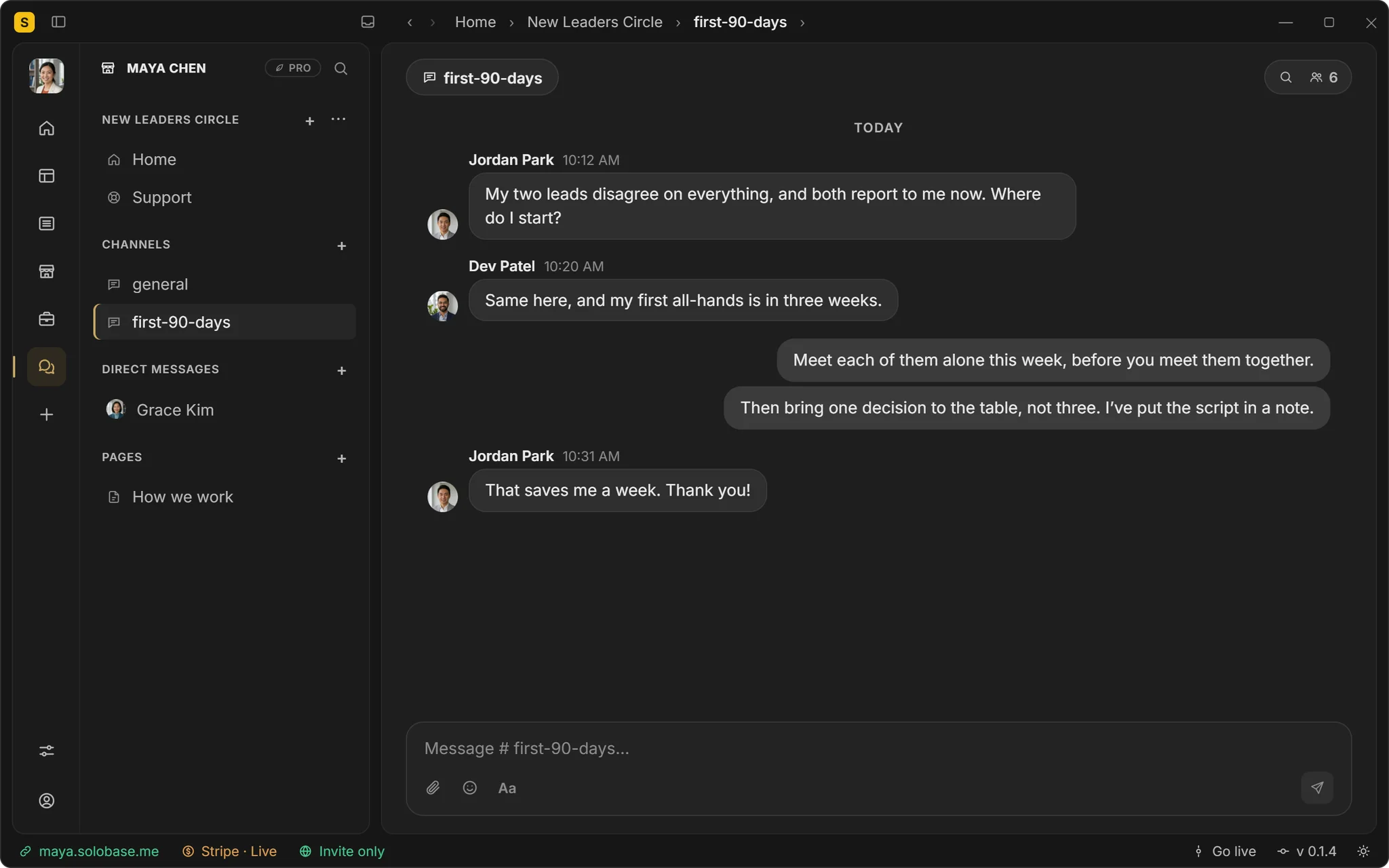
Maya’s New Leaders Circle has a general channel and one for the first ninety days. Jordan asks how to handle two leads who disagree; Maya answers in two lines and puts the script in a note. The next new leader finds it before asking.
Announcements, chat and Q&A channels
Pins, decisions and search
Direct messages among your own team
What a member sees
Your name on the door, nobody else’s.
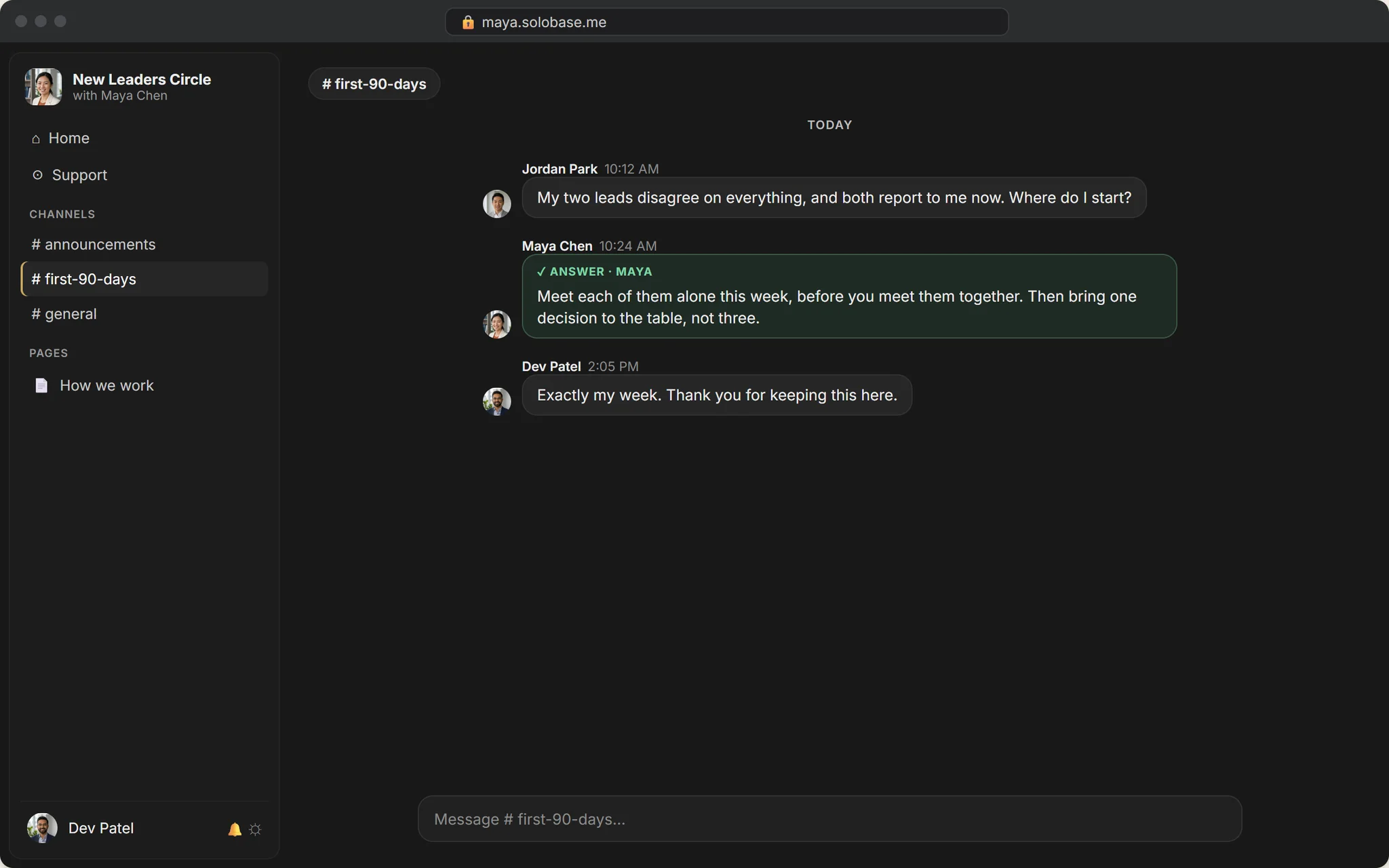
Members open your Community Hub on your own domain and sign in with an email code or Google. There is no SoloBase app to install and no feed of other communities next to yours.
On your domain, under your brand
Signs in with an email code or Google
Installs like an app on a phone, if they want
Charge to join
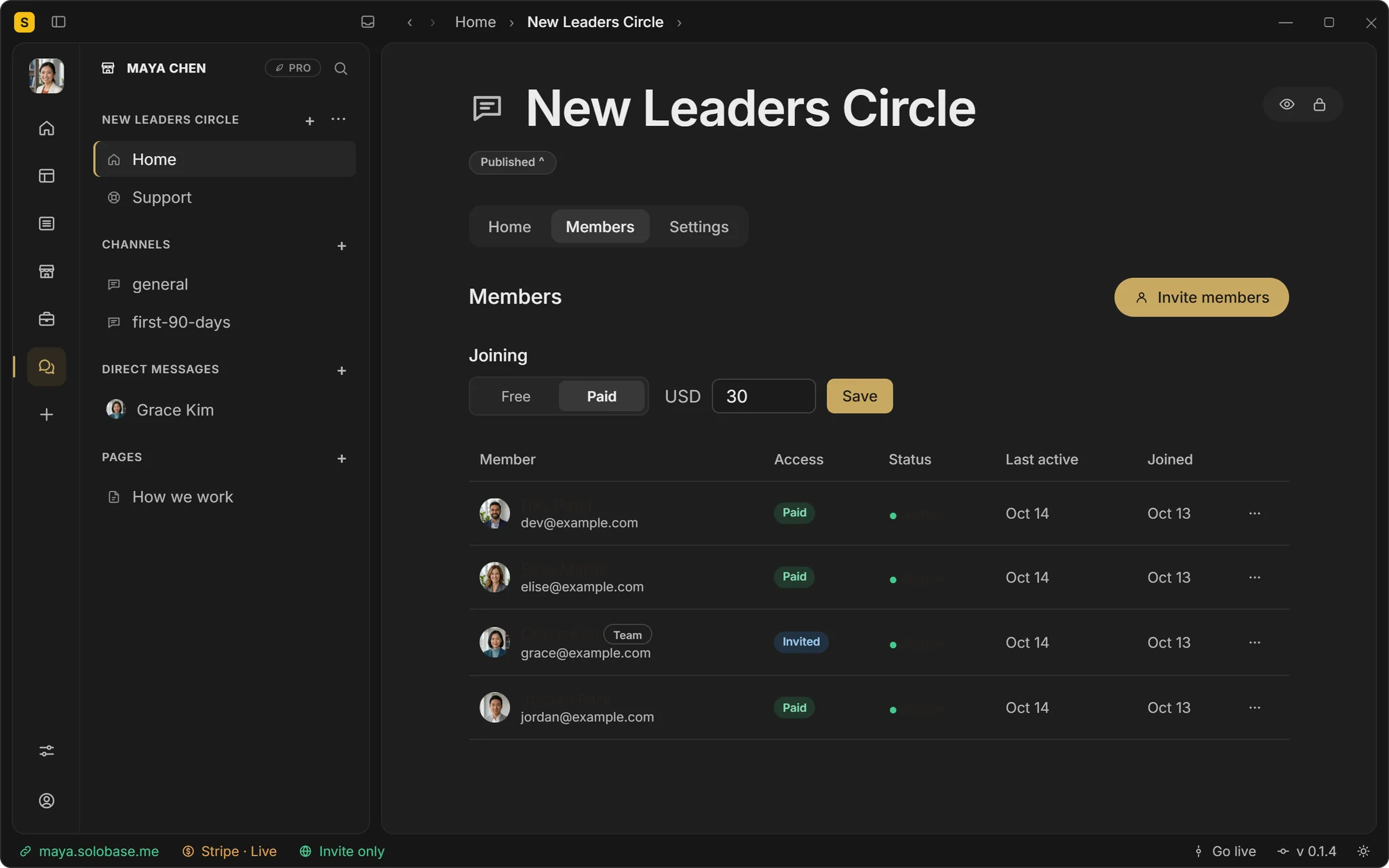
A price to join, to your own Stripe.
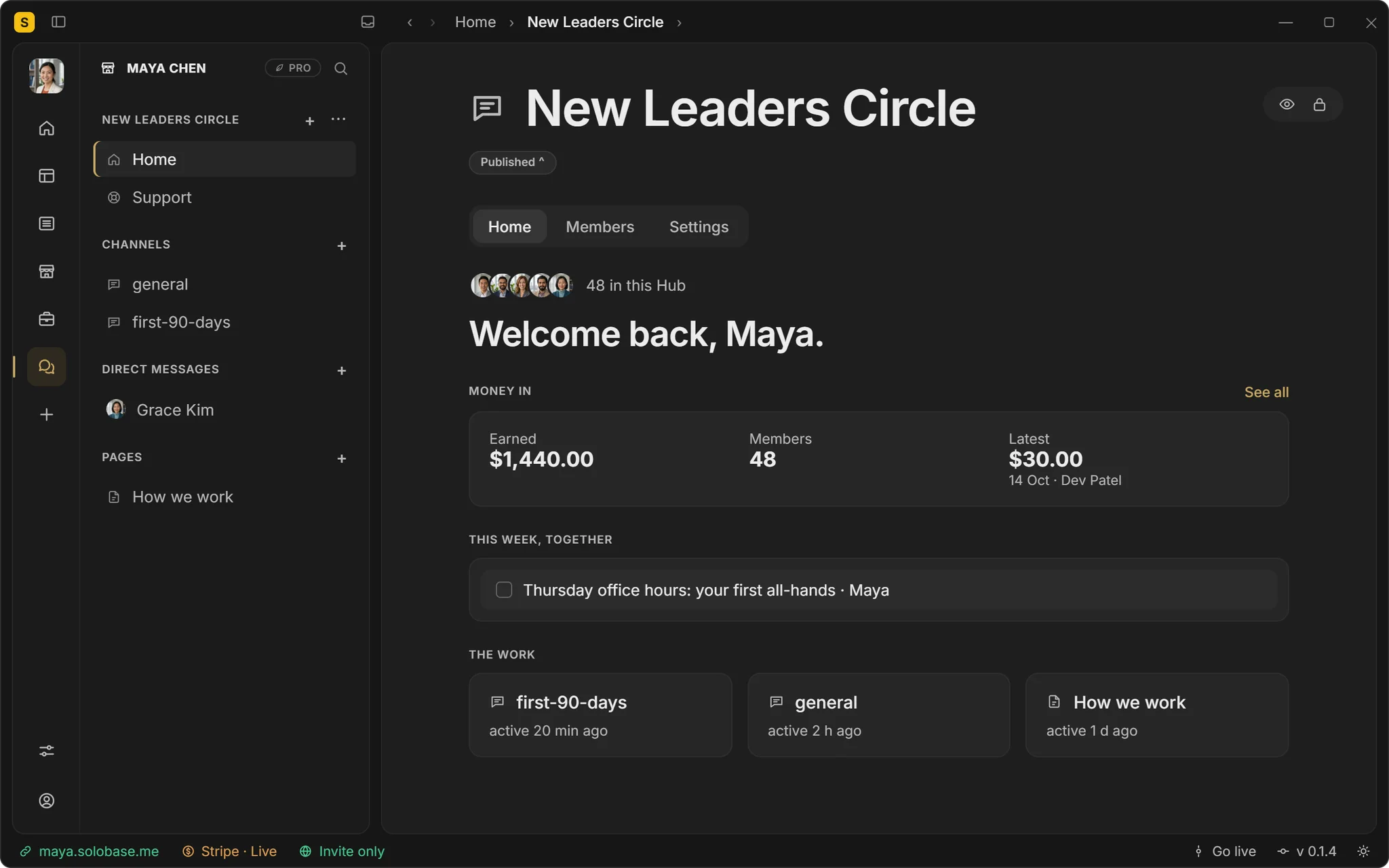
Make the whole Community Hub paid, or keep it free and charge for one channel. Members pay your own Stripe account; SoloBase takes nothing. Your Community Hub’s Home shows what came in and who joined.
A paid Community Hub or a paid channel, one payment today
Monthly dues are coming
0% to SoloBase; Stripe’s standard fees apply
Calls in a channel
Office hours, right where the questions are.
Start a call in a channel and members join from the conversation they were already in, with the chat beside the call. Up to 25 people, with screen sharing.
Group calls in a channel, up to 25 people
The conversation stays beside the call
Counted in participant-hours by plan
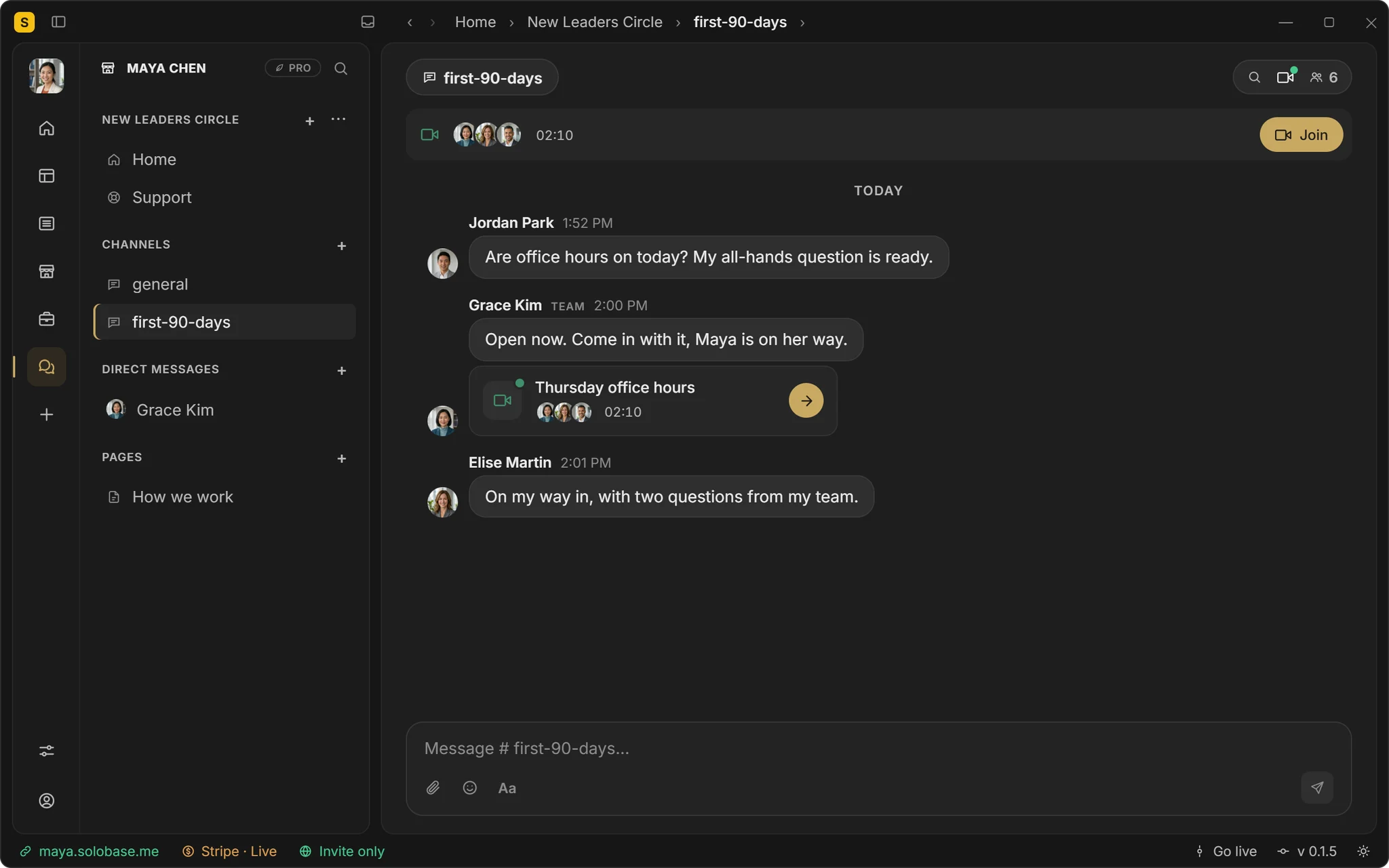
Forty-eight new leaders, one Thursday call.Maya answers once, and the answer stays.
The New Leaders Circle, $30 to join, paid to Maya’s own Stripe. Illustrative: Maya, Jordan and Grace are not customers.
Asked about Community Hubs.
Is a Community Hub a forum or a social network?
Neither. It is your own space, on your own domain, for the people you let in. There is no feed, no follow button and no directory of other communities.
Can I charge monthly?
Not yet. Joining, or a paid channel, is one payment today. Monthly dues are being built and will be labelled when they are live.
Can members message each other privately?
Direct messages are for you and your team. Members talk in the channels, where you can see, and can ask you privately through Support.
How many Community Hubs can I have?
Hubs are unlimited on every plan, so you can run one for members and another for a cohort. Pricing shows what each plan includes.
Bring your people under your own name.
Free until you’ve earned $1,000 through SoloBase. 0% of your payments, always.